Mistakes without consequences
Forgetting the seatbelt or leaving the chuck key in place is logged and explained, not paid for with an accident.
Virtual-reality training built step by step from the manufacturer's manual. Your team learns the real procedure, makes mistakes where they cost nothing and gets an explanation for every one.
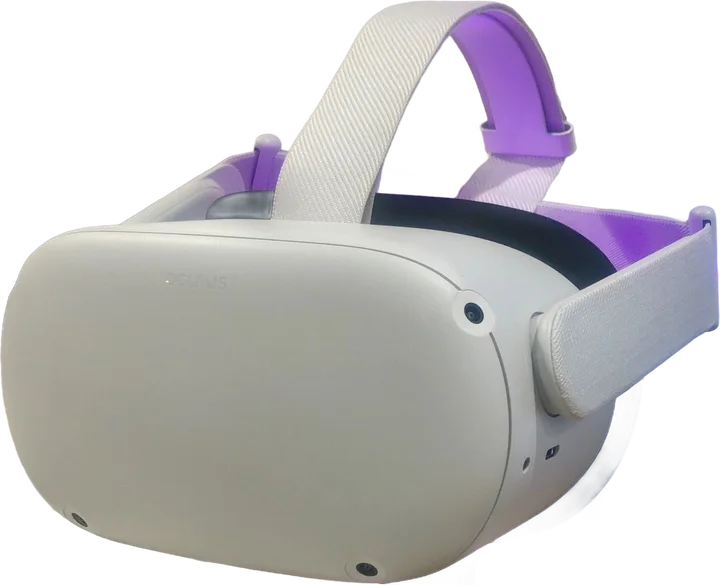
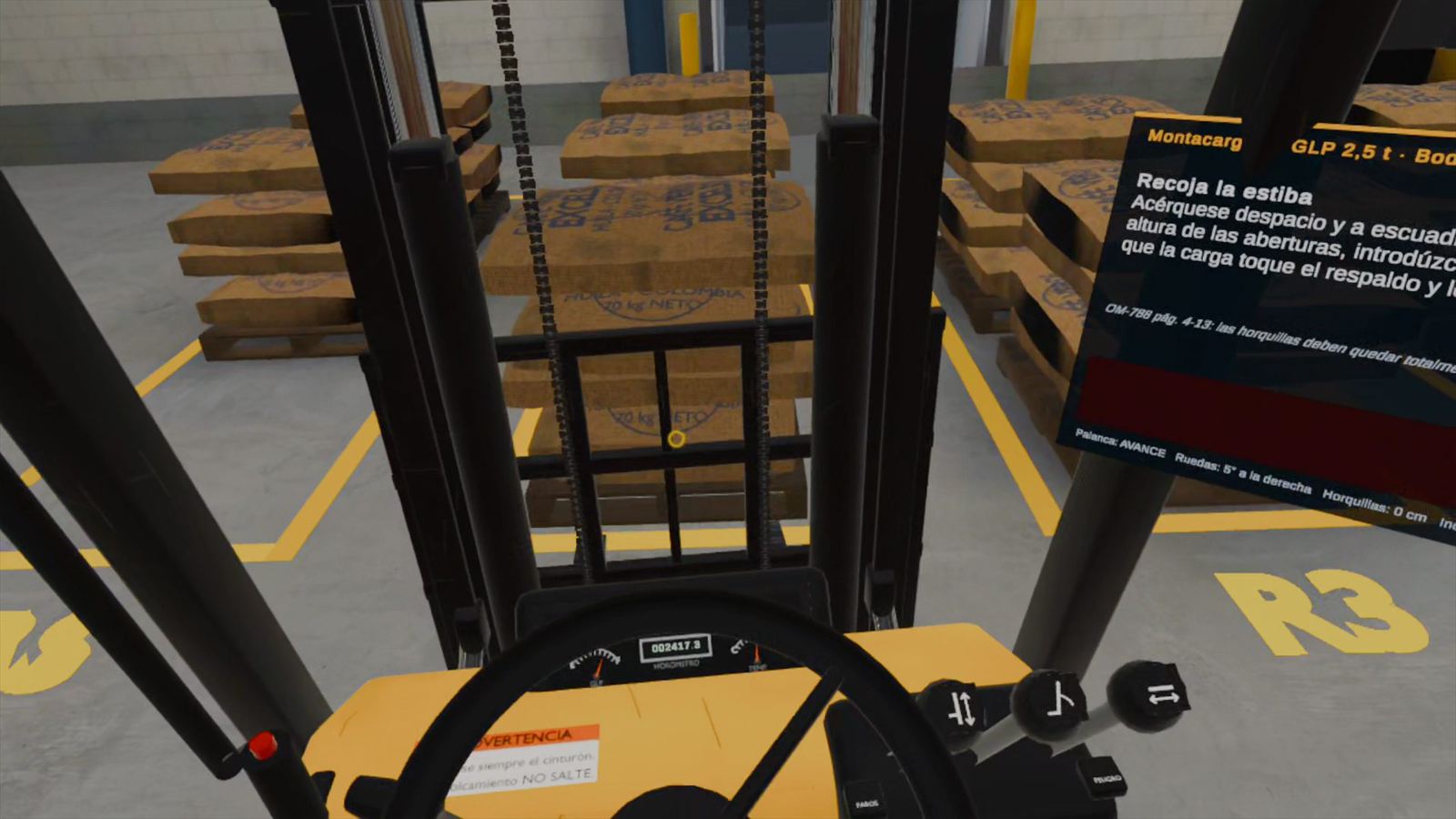 Recorded in Meta Quest 2Real in-headset footage
New operators usually learn on the machine that can hurt them. VR moves the first hours of practice to a space where nothing breaks and every step can be repeated.
Forgetting the seatbelt or leaving the chuck key in place is logged and explained, not paid for with an accident.
Practice happens in the headset, so forklifts and lathes keep working while new staff train.
Each step mirrors the manufacturer's operating manual, so what is practiced is what is expected on the floor.
Industrial safety for companies and training centers, and a full Moon mission for planetariums, museums and schools.
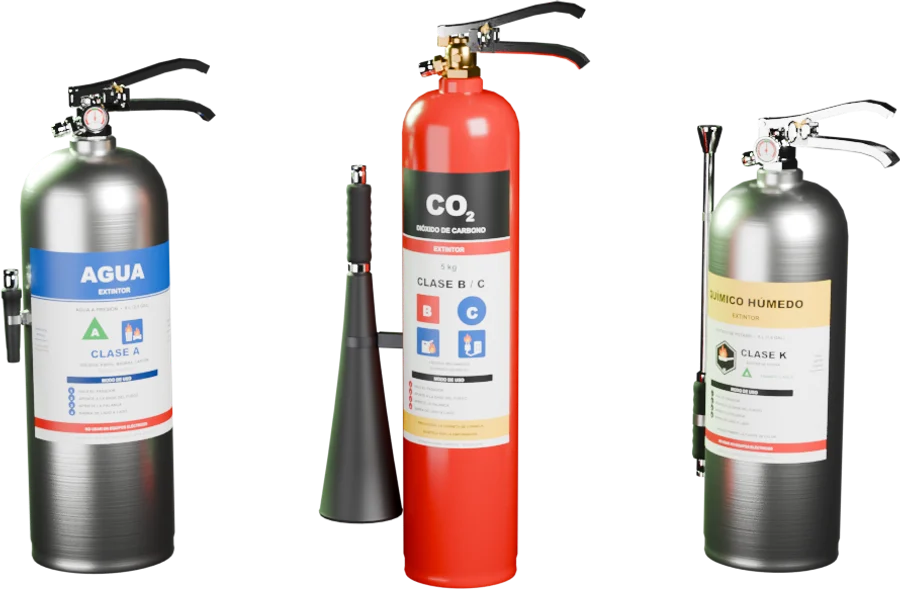
Proper handling of a fire extinguisher and knowing which one goes with each fire. The trainee walks an office, picks an extinguisher and puts out real-scale fires.
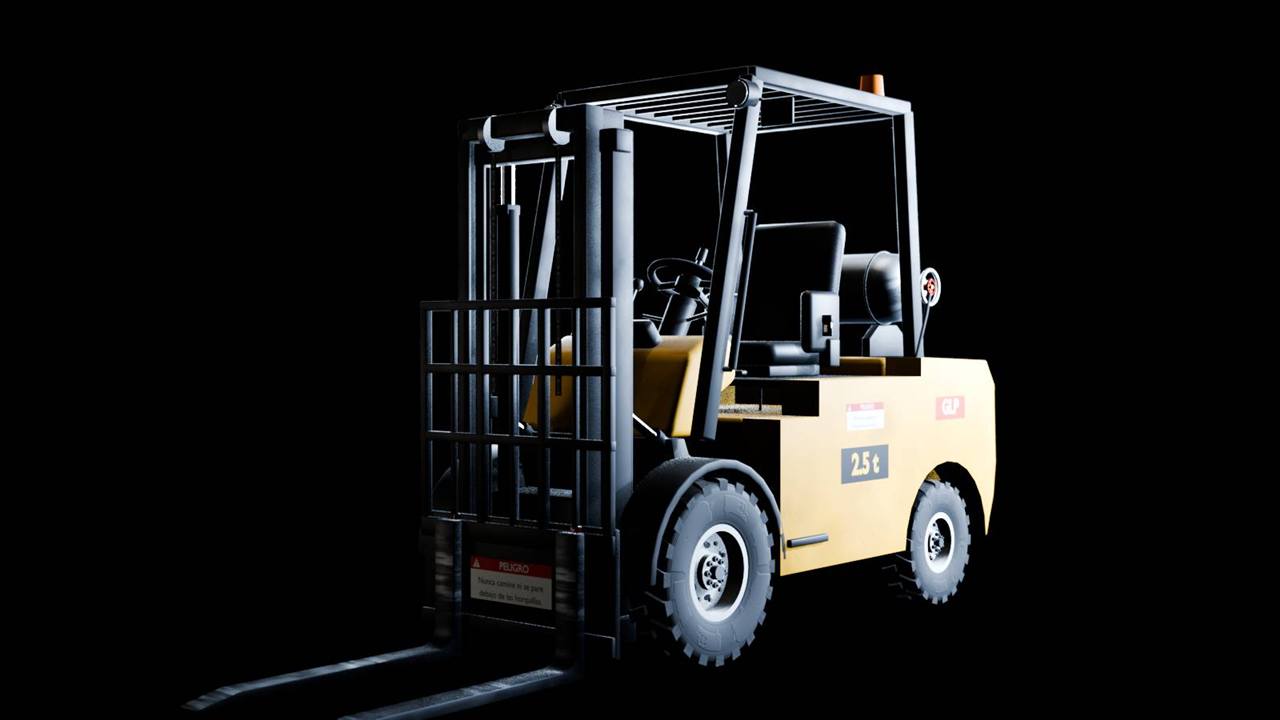
Based on the Clark CQ20-30 operator manual. The trainee drives through a full shift routine inside a coffee warehouse.
Based on the Grizzly G4003G manual, inside a machine shop with marked safety zones.
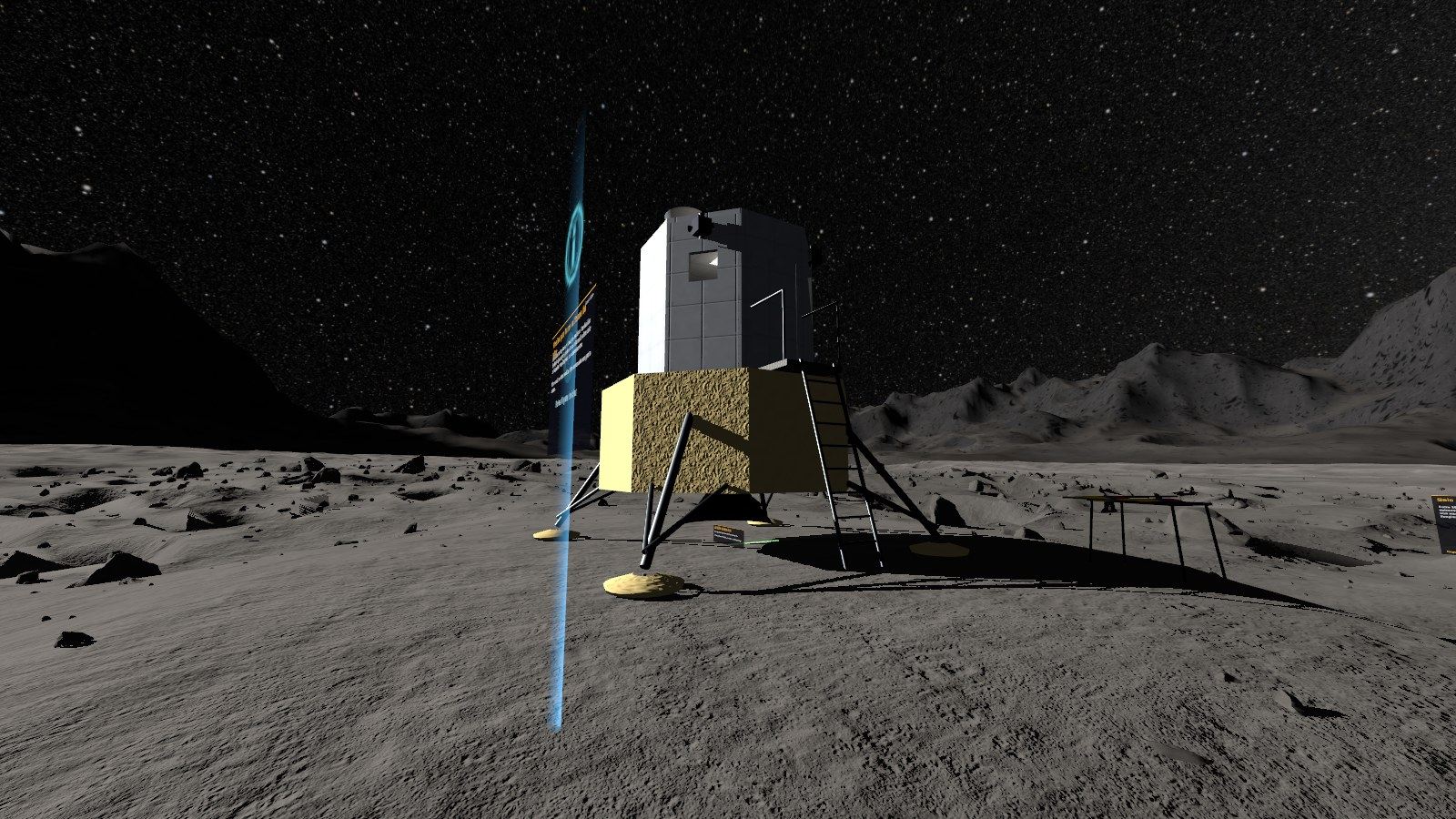
The complete Apollo-style mission in first person, from the launch pad to the lunar surface.
See the planetarium experience →Every industrial experience follows the same four stages, so trainers know exactly what each session covers.
A ghost operator demonstrates each step on the real controls.
Guided mode highlights the next control and explains why it matters.
Without hints. Critical errors, like skipping the seatbelt, fail the run.
Each mistake is listed with its explanation for the debrief.
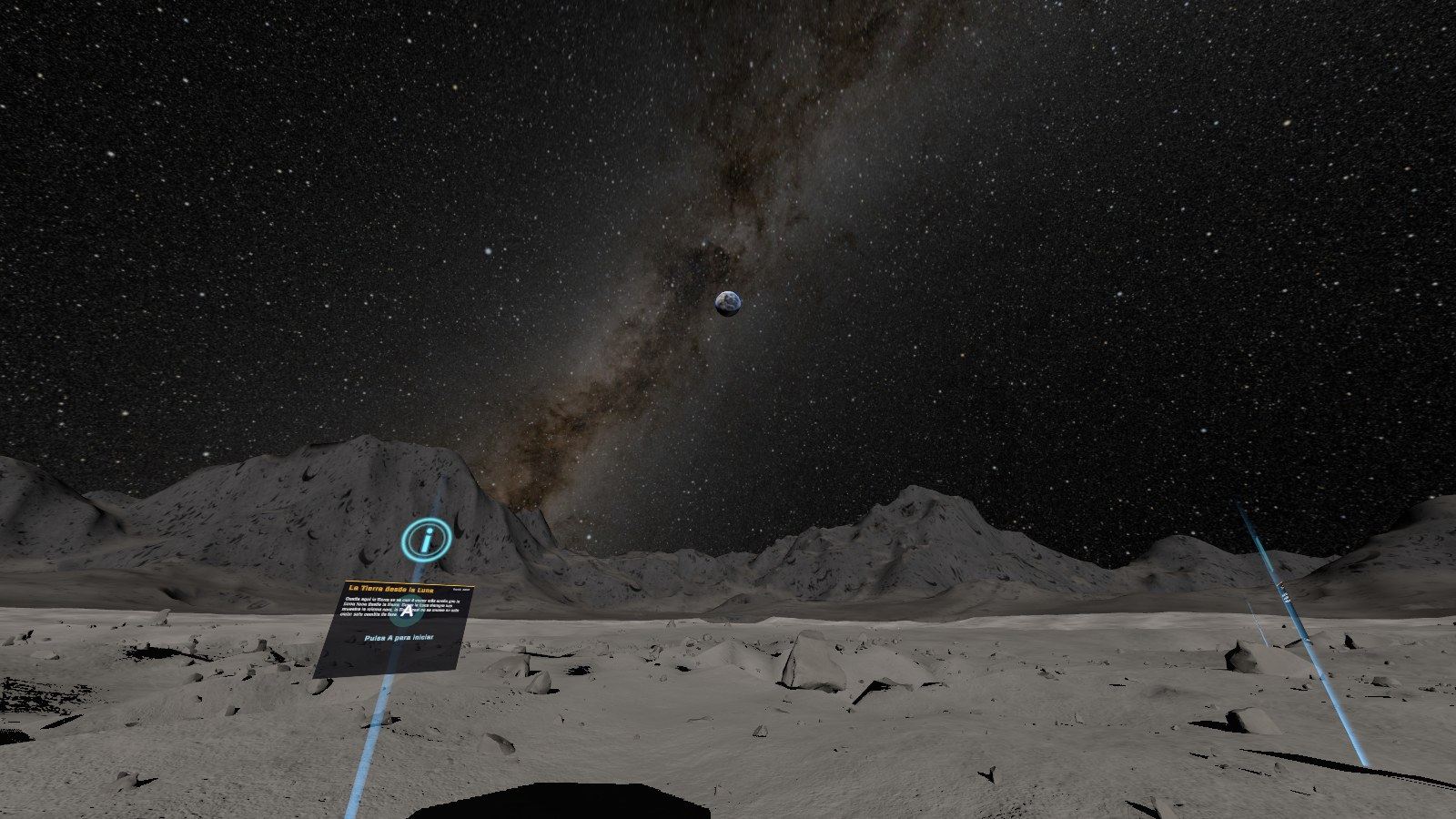
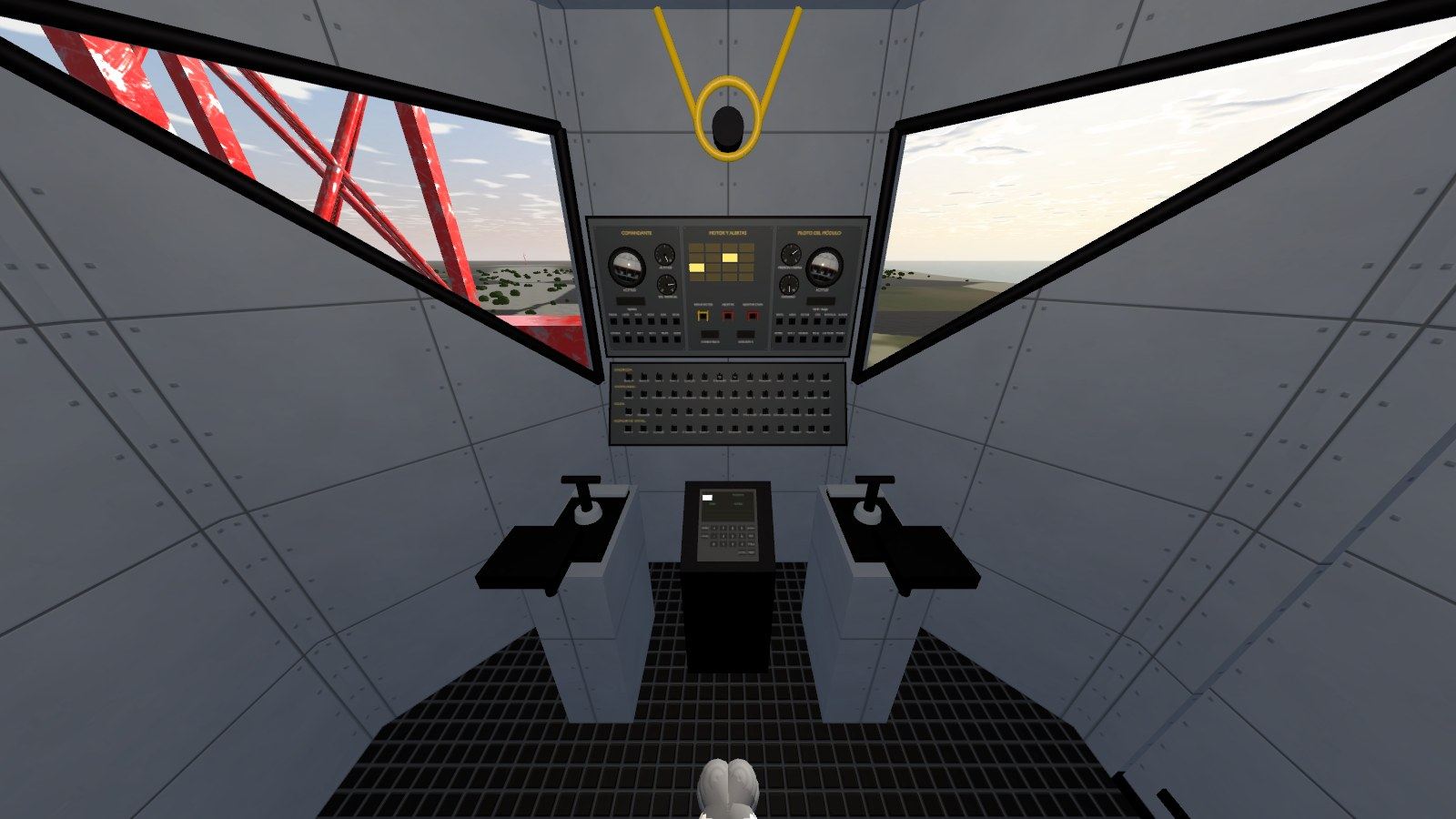
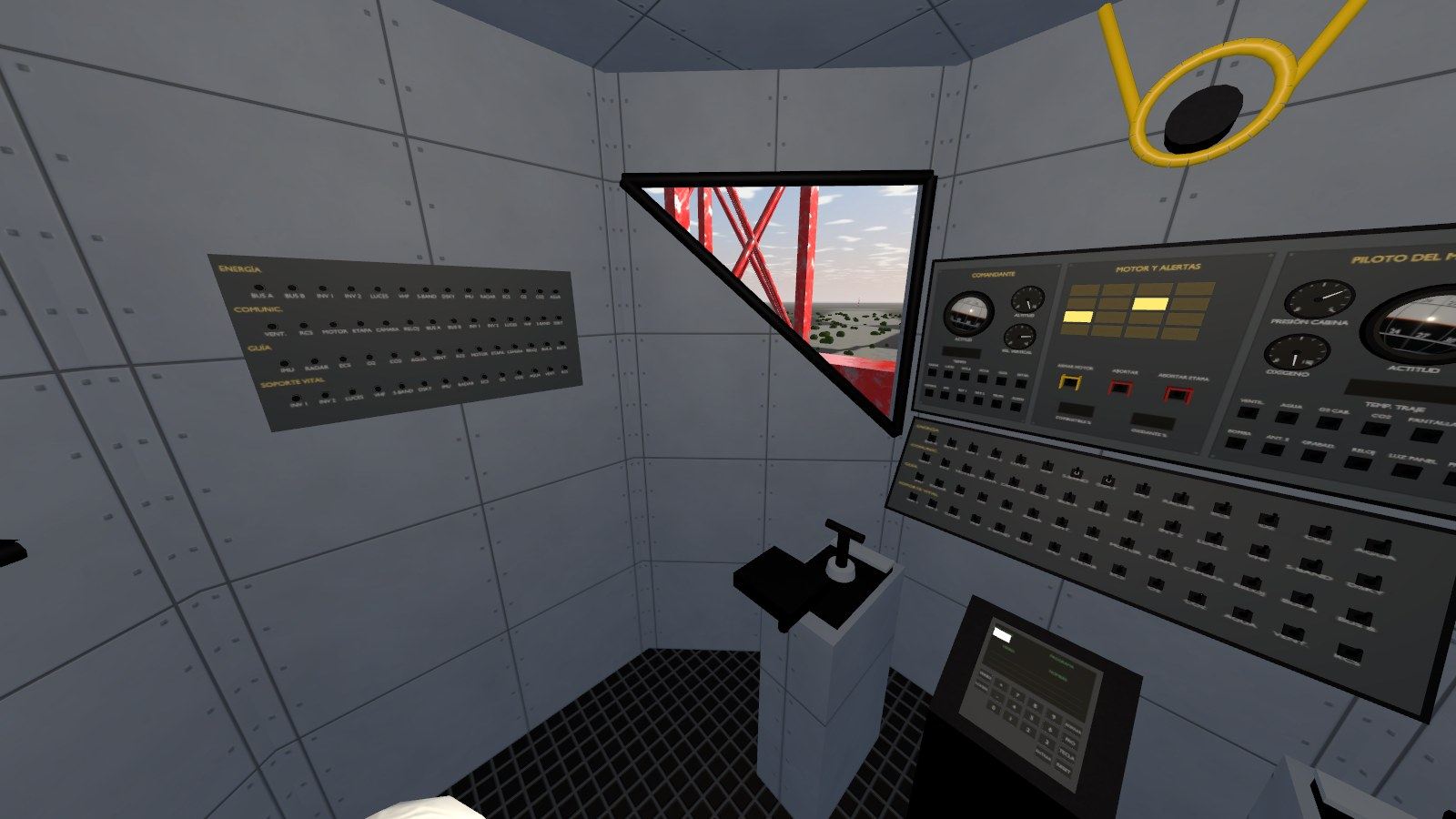
Visitors live the mission in first person: launch, Earth orbit, cruise, descent and landing at Tranquility Base, on terrain built from lunar elevation data and NASA imagery.
No computers, cables or special rooms. A standalone headset and a small clear area are enough.
Before committing, see the experience working with your own people.
A short call to understand your machines, procedures and number of trainees.
A live demo with your team on the headset, at your site or online.
We adjust brand, space and procedure, then install it on your headsets.
Tell us which experience interests you and we will get back to you shortly.